
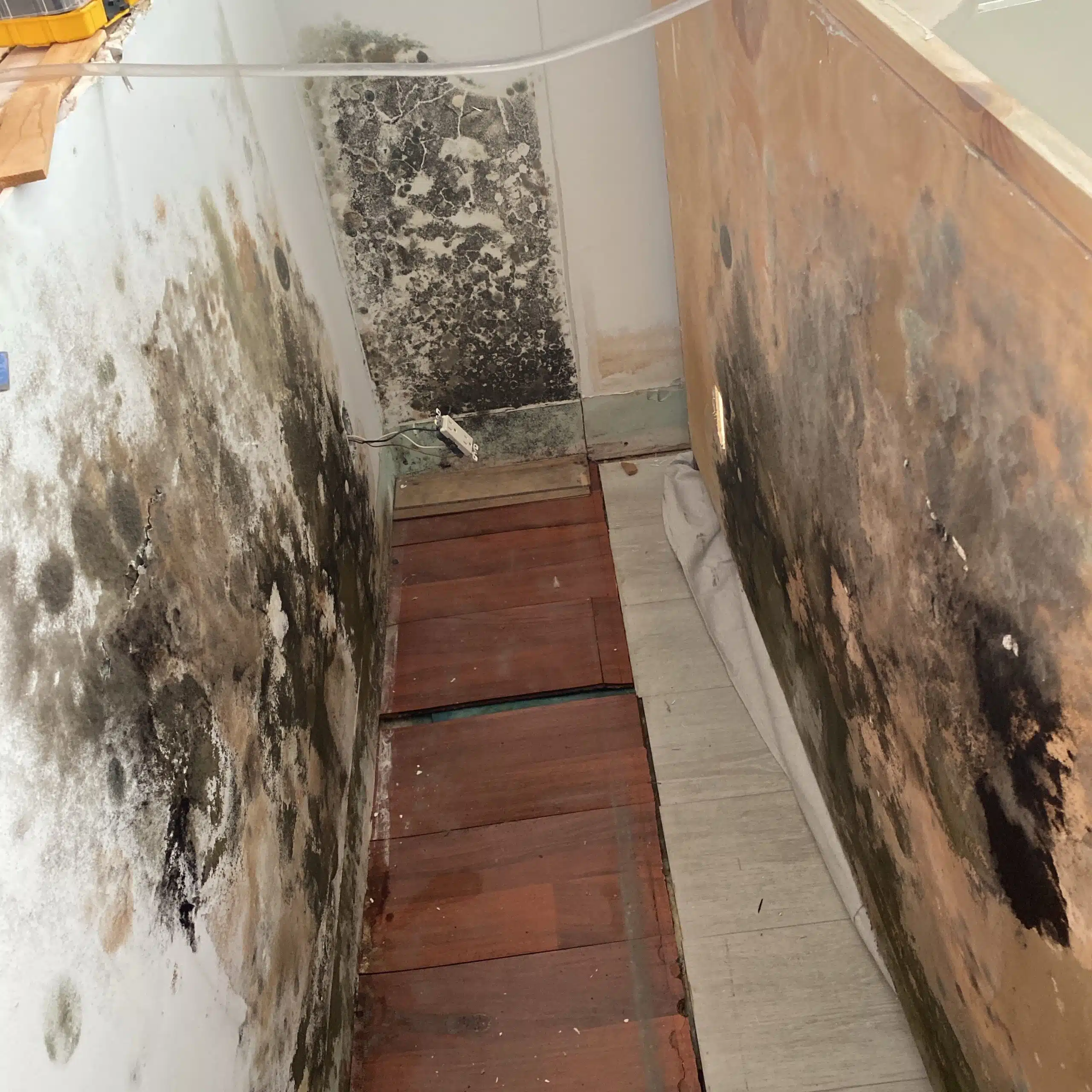
Can Mold Be Caused by a Thermostat Setting?
Many homeowners in Florida wonder whether their thermostat can cause mold growth. Surprisingly, the answer is yes. The fan setting on your thermostat—whether “On,” “Run,” or “Auto”—can directly affect indoor humidity and create conditions for mold.
How Thermostat Fan Settings Affect Indoor Humidity
Florida’s high humidity makes controlling moisture inside your home crucial. When your air conditioning system runs properly and the thermostat fan is set to Auto, the system cycles the fan with the cooling system. This setup allows the air conditioner to remove moisture from the air efficiently. As a result, your home stays dry, reducing the chance of mold forming on walls, furniture, or other surfaces.
Why the “On” or “Run” Setting Can Lead to Mold
When you set the thermostat fan to On or Run, the fan operates continuously, even when the air conditioner isn’t actively cooling. This constant airflow circulates humid air throughout your home without dehumidifying it effectively. Over time, the moisture settles on surfaces, creating ideal conditions for mold growth. Mold thrives in warm, damp environments, and running the fan continuously can increase your risk.
The Simple Fix to Prevent Mold
You can prevent mold with a simple change: set your thermostat fan to Auto. This adjustment lets the air conditioner remove excess moisture from the air, keeping your home dry and mold-free. Additionally, regularly maintaining your HVAC system, including filters and coils, further reduces the risk of mold and improves indoor air quality.
Conclusion
Thermostat fan settings have a direct impact on indoor humidity and mold growth. Running the fan constantly may increase the chance of mold, while using Auto ensures your system removes moisture efficiently. Protect your home by choosing the Auto fan setting and monitoring indoor humidity levels.
Watch this video if you're still not sure: https://www.youtube.com/watch?v=ciX-S_xZNIY